Units
Not just another generic CRM. Built for HVAC.
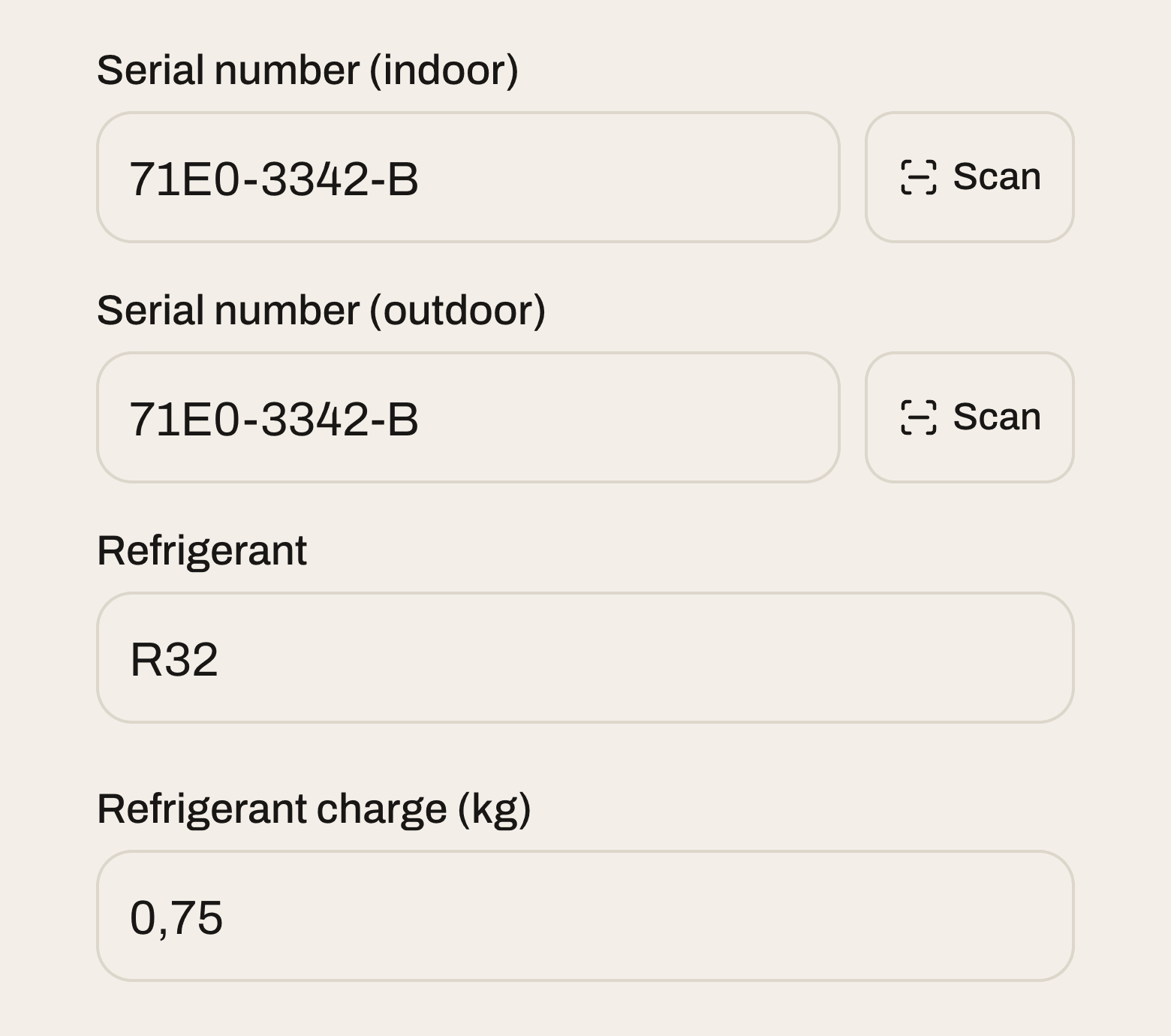
When a customer calls, you see straight away what they have installed, and when and by whom it was last serviced. The unit is at the centre: model, serial number, refrigerant and charge, room and installation date. A multi-split with four indoor units is one system, not four rows.
- No more copying the data plate
- Photograph the data plate on the unit and AI reads the model, serial number and refrigerant. You just check and confirm.
- No service slips through
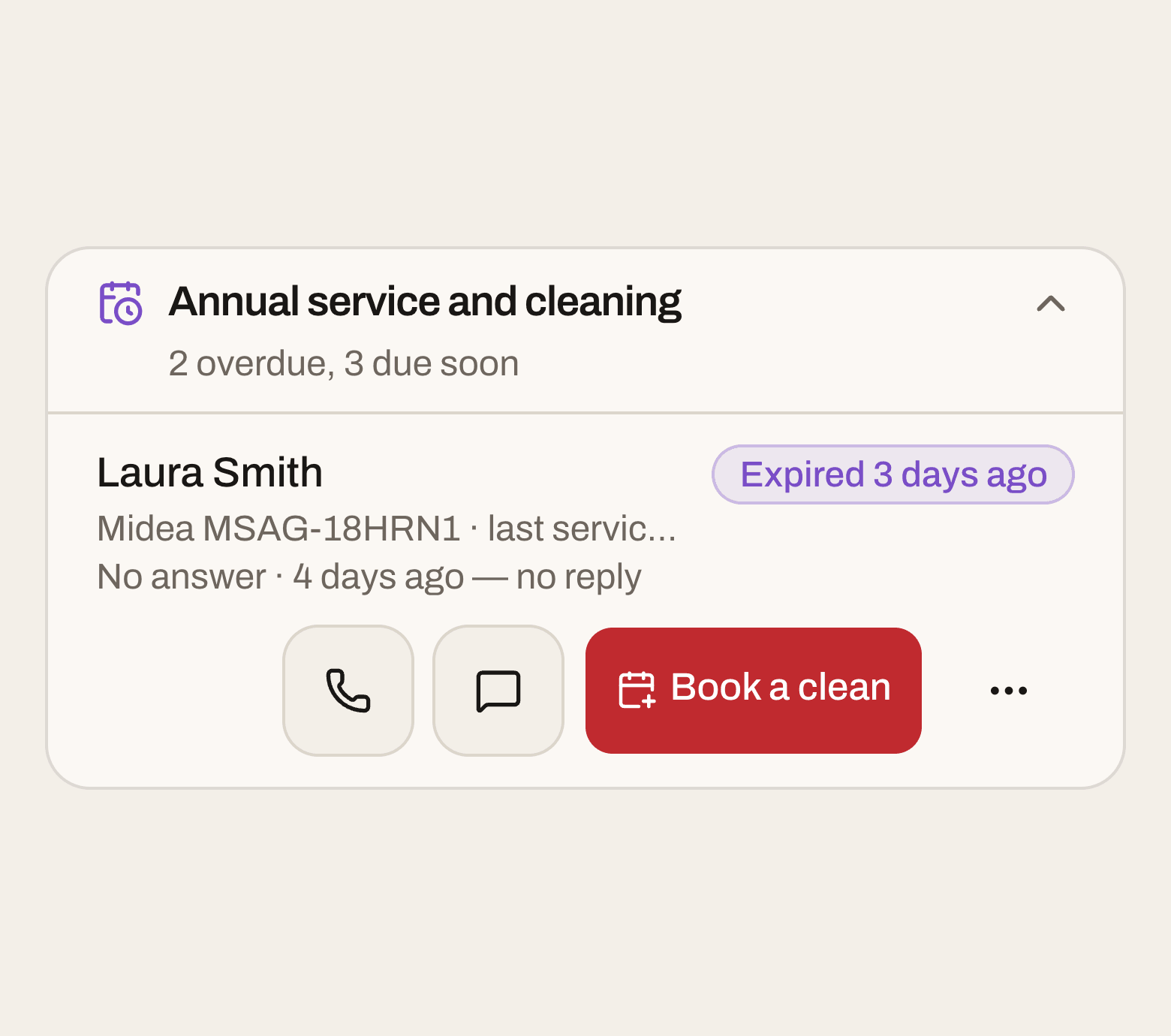
- Every unit has its own due date. The ones due in the next 30 days sit on the home screen, with a message to the customer ready to send.
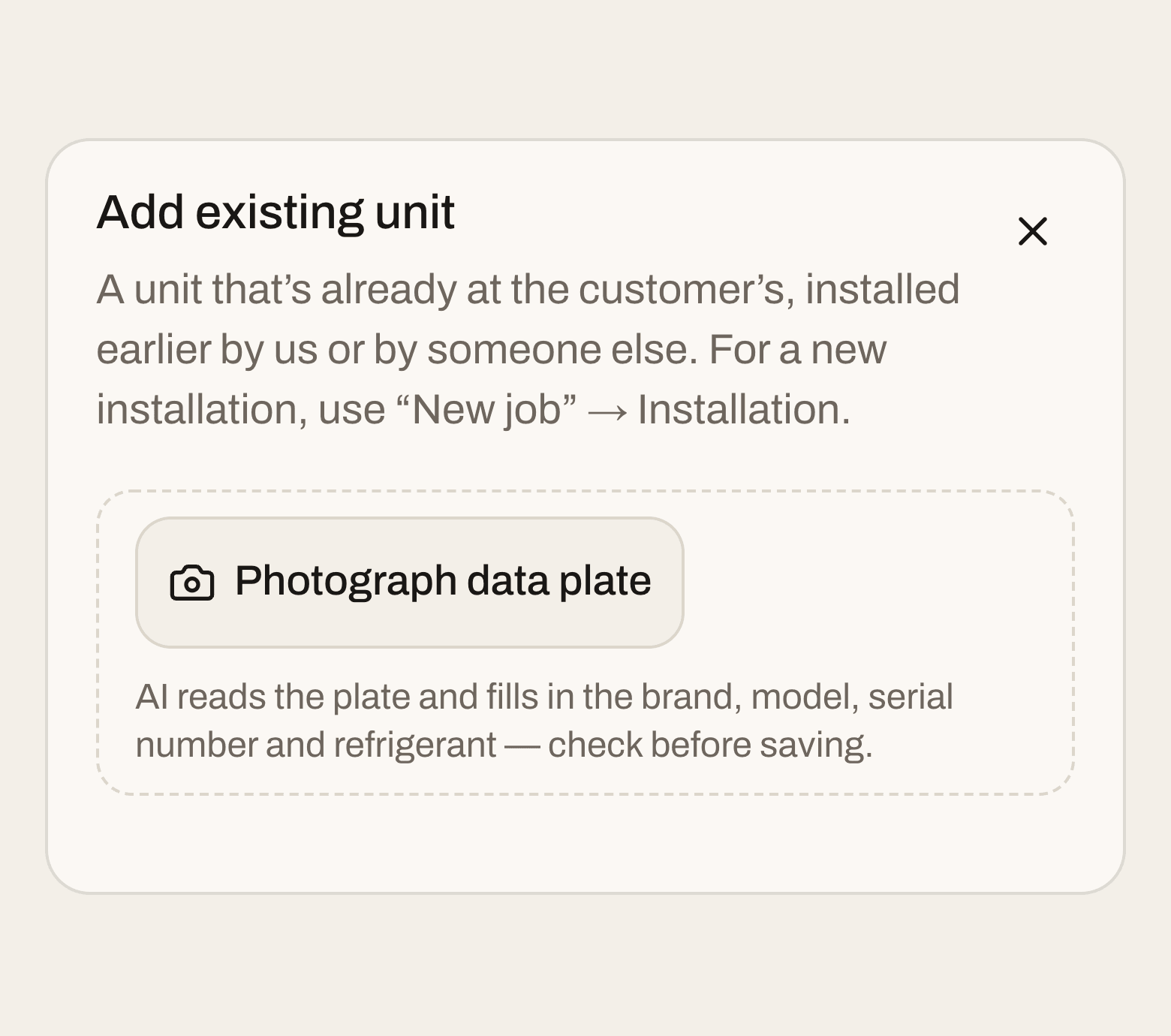
01Photograph the data plate on the unit.
What else unit tracking makes easier
One system for everything you work on
Air conditioners and multi-splits, monobloc and split heat pumps, VRF, gas and electric boilers, pellet and solid-fuel boilers. Switch on only what you work on; the rest stays out of your way.
Multi-split and VRF without the muddle
An outdoor unit and its indoor units are recorded as one unit, and each indoor unit keeps its own model, serial number and room. On site, everyone knows which is which.
The engineer knows what to expect
On the job they see that unit’s last five services: when, who and what was done. All of the customer’s jobs are on the customer’s page.
Older units get a due date too
If you don’t know the exact installation date, enter just the year. The due date is also worked out from the last service, so no unit drops off the list.
Warranties under control
Each unit keeps how long its warranty lasts and when it runs out. Units whose warranty requires an annual service are marked, so you don’t miss them.
The model in a few taps
Pick the model from the catalogue, and the form only offers the brands you work with. Add a missing model once and it stays in your company.
You don’t start from scratch
Bring customers and units over from a spreadsheet (CSV, which Excel saves in one click), with the last service date, so due dates are in place from day one.
Customers find you for the next service
With the Customer portal, a QR sticker on the unit takes the customer to a page with the service due date and a fault report. No name, address or serial number.
Your business deserves a better system.
Less admin. More control. More time for customers.